> ## Documentation Index
> Fetch the complete documentation index at: https://docs.architect.new/llms.txt
> Use this file to discover all available pages before exploring further.
# Introduction
> Turn Intent into Deployed Applications
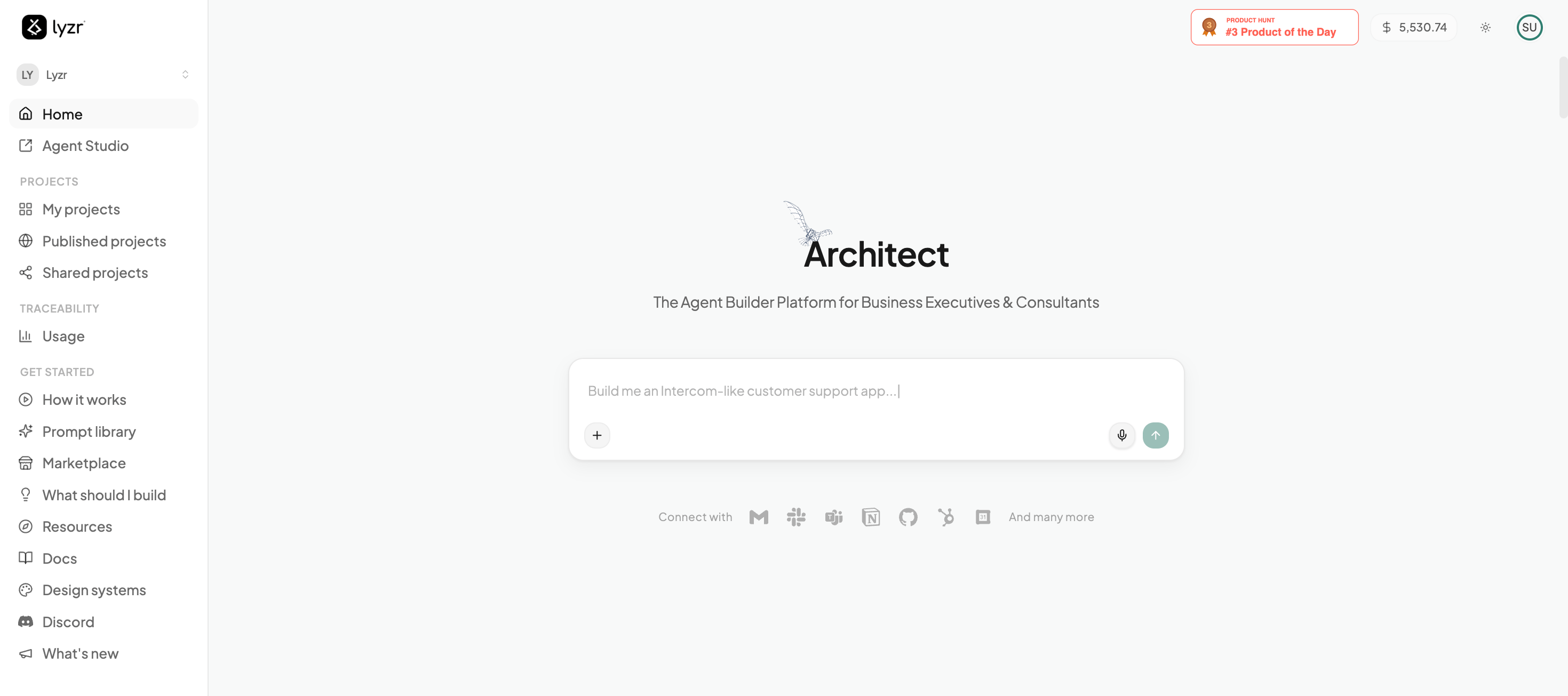
Lyzr Architect is an enterprise-grade **Text-to-App** platform. It transforms natural-language prompts into fully functional, full-stack agentic applications — powered by multi-agent orchestration, and ready to share with a live URL.
You describe what you want in plain English. Architect plans it with you, designs the interface, creates the AI agents that power it, writes the front-end and back-end, fixes its own errors, and deploys the result — without you touching a line of code or configuring any infrastructure.
 ## What makes Architect different?
Most "AI coding tools" are really just autocomplete engines — they help you write functions faster, but you're still the one stitching the system together, wiring up the backend, and figuring out how to deploy it.
**Lyzr Architect is a System Builder.** From a single prompt, it autonomously engineers the front-end, the agentic middle layer, and the data and tooling underneath — then runs, tests, and ships it as one deterministic workflow.
Stop worrying about syntax. Describe the *vibe*, the business logic, and the user flow in plain English, and Architect translates your intent into production-ready code.
It doesn't just write scripts. It builds a complete front-end, an intelligent agentic middle layer, and plugs in the tooling and knowledge bases your use case actually needs.
Architect uses Lyzr Studio to spin up autonomous agents — researchers, writers, analysts — and wires them directly into your app's backend.
A built-in QA loop runs the code Architect generates. If something fails a type check or throws a console error, it rewrites the code and re-checks before ever showing you the app.
## How a Build Flows
Every app follows the same path — and you stay in control at each stage:
Before any code is written, you shape the idea with Architect — refine the requirements, preview how the app will look, and generate supporting artifacts. See [Planning & Brainstorming](/build/planning-brainstorming).
Architect creates the agents, writes the UI and backend, and self-heals errors until the app runs in a live preview.
Chat to iterate — or flip into [Plan Mode](/build/plan-mode) to map out a bigger change before building it.
Ship to a live, shareable URL, or connect your own custom domain. See [Deployment & Publishing](/build/deployment).
New here? The Build Guide walks you through creating your first agentic app, end to end.
## What makes Architect different?
Most "AI coding tools" are really just autocomplete engines — they help you write functions faster, but you're still the one stitching the system together, wiring up the backend, and figuring out how to deploy it.
**Lyzr Architect is a System Builder.** From a single prompt, it autonomously engineers the front-end, the agentic middle layer, and the data and tooling underneath — then runs, tests, and ships it as one deterministic workflow.
Stop worrying about syntax. Describe the *vibe*, the business logic, and the user flow in plain English, and Architect translates your intent into production-ready code.
It doesn't just write scripts. It builds a complete front-end, an intelligent agentic middle layer, and plugs in the tooling and knowledge bases your use case actually needs.
Architect uses Lyzr Studio to spin up autonomous agents — researchers, writers, analysts — and wires them directly into your app's backend.
A built-in QA loop runs the code Architect generates. If something fails a type check or throws a console error, it rewrites the code and re-checks before ever showing you the app.
## How a Build Flows
Every app follows the same path — and you stay in control at each stage:
Before any code is written, you shape the idea with Architect — refine the requirements, preview how the app will look, and generate supporting artifacts. See [Planning & Brainstorming](/build/planning-brainstorming).
Architect creates the agents, writes the UI and backend, and self-heals errors until the app runs in a live preview.
Chat to iterate — or flip into [Plan Mode](/build/plan-mode) to map out a bigger change before building it.
Ship to a live, shareable URL, or connect your own custom domain. See [Deployment & Publishing](/build/deployment).
New here? The Build Guide walks you through creating your first agentic app, end to end.