> ## Documentation Index
> Fetch the complete documentation index at: https://docs.architect.new/llms.txt
> Use this file to discover all available pages before exploring further.
# How It Works
> Architect looks deceptively simple. Under the hood, it gives you granular control over the data your app reasons over, the agents that power it, and the design it ships with.
At a glance, Architect is just a prompt box. But before you ever hit send, you can shape three things that make the difference between a generic app and exactly the one you need: the **data** your agents draw on, the **design** they're wrapped in, and the **agents** themselves. This page walks through those controls.
 ## Context Injection (RAG)
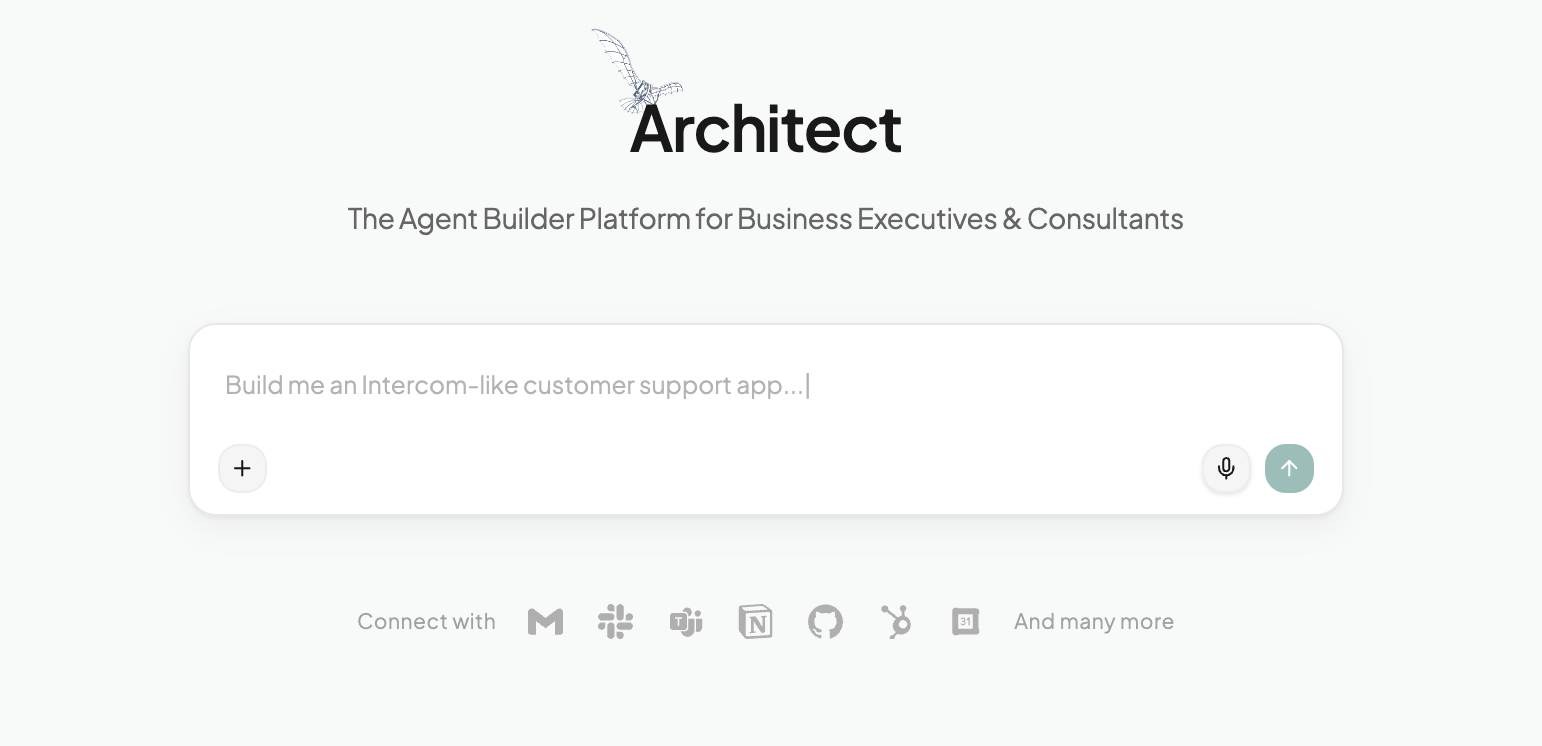
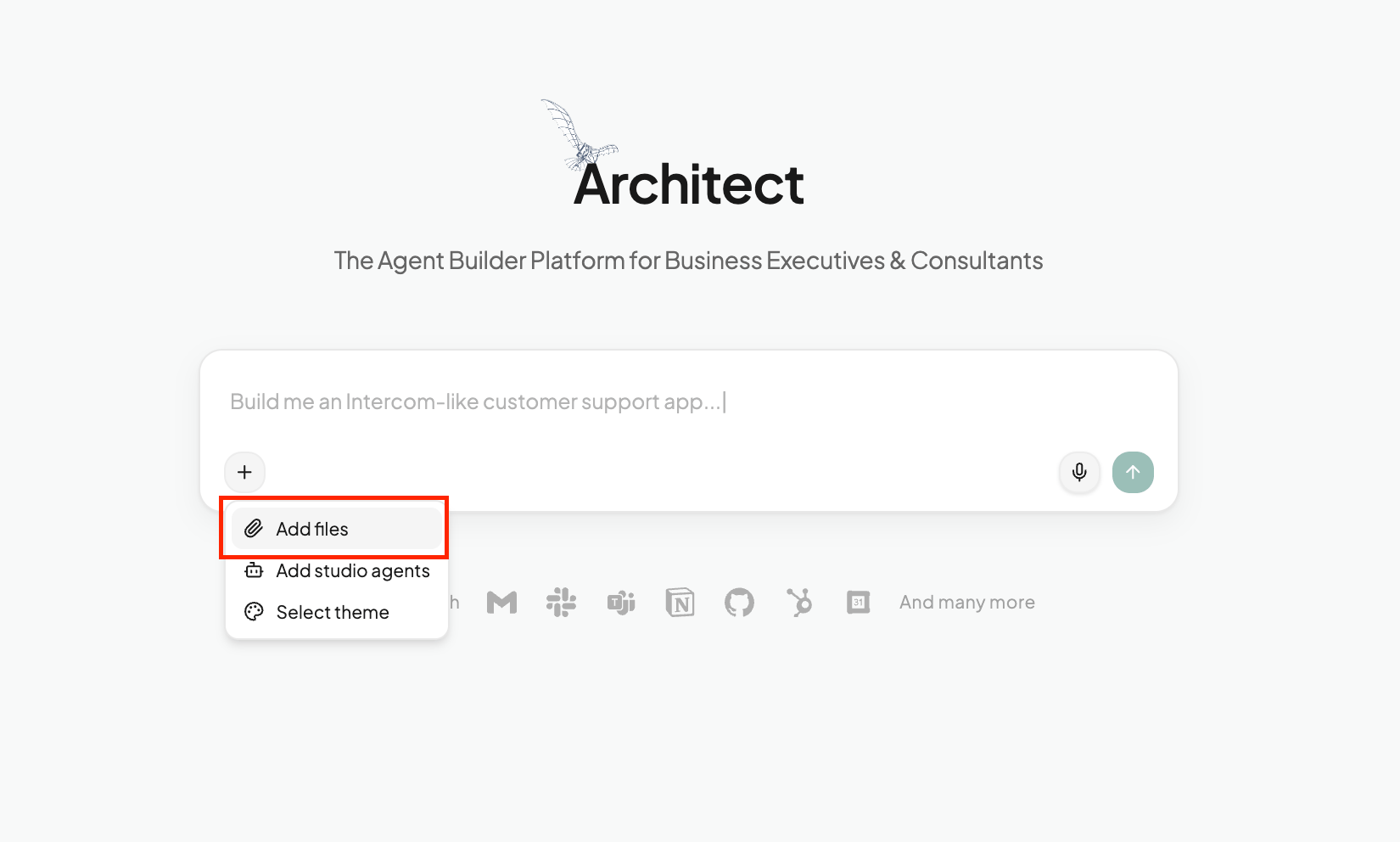
Your app shouldn't start empty. Ground your agents in your own proprietary data using the **Attach** feature — open the **+** menu in the prompt box and add your files. Architect detects the file type and wires it into the right place automatically:
* **Unstructured data (PDF / DOCX / TXT):** Automatically chunked and embedded into a vector database, so your agents can semantically search and cite your documents when they answer.
* **Structured data (CSV / Excel):** Loaded into a dataframe that a data-analyst agent can query, aggregate, and visualize.
The result is an app that reasons over *your* content from the very first message — no manual ingestion pipeline required.
## Context Injection (RAG)
Your app shouldn't start empty. Ground your agents in your own proprietary data using the **Attach** feature — open the **+** menu in the prompt box and add your files. Architect detects the file type and wires it into the right place automatically:
* **Unstructured data (PDF / DOCX / TXT):** Automatically chunked and embedded into a vector database, so your agents can semantically search and cite your documents when they answer.
* **Structured data (CSV / Excel):** Loaded into a dataframe that a data-analyst agent can query, aggregate, and visualize.
The result is an app that reasons over *your* content from the very first message — no manual ingestion pipeline required.
 ## Visual Personality
Architect doesn't just generate code — it designs it. The **Theme Engine** injects a full design system (Tailwind config + fonts + component styling) into the code it writes, so every app comes out looking polished and on-brand rather than like a default template.
You have two ways to set the look:
* **Pick a preset** — choose from 45+ ready-made themes covering everything from clean and minimal to bold and editorial.
* **Bring your own** — turn your company's design guidelines into a reusable theme by importing them from Figma, a PDF, a GitHub repo, or a zip. See [Bring Your Own Design System](/build/custom-theme).
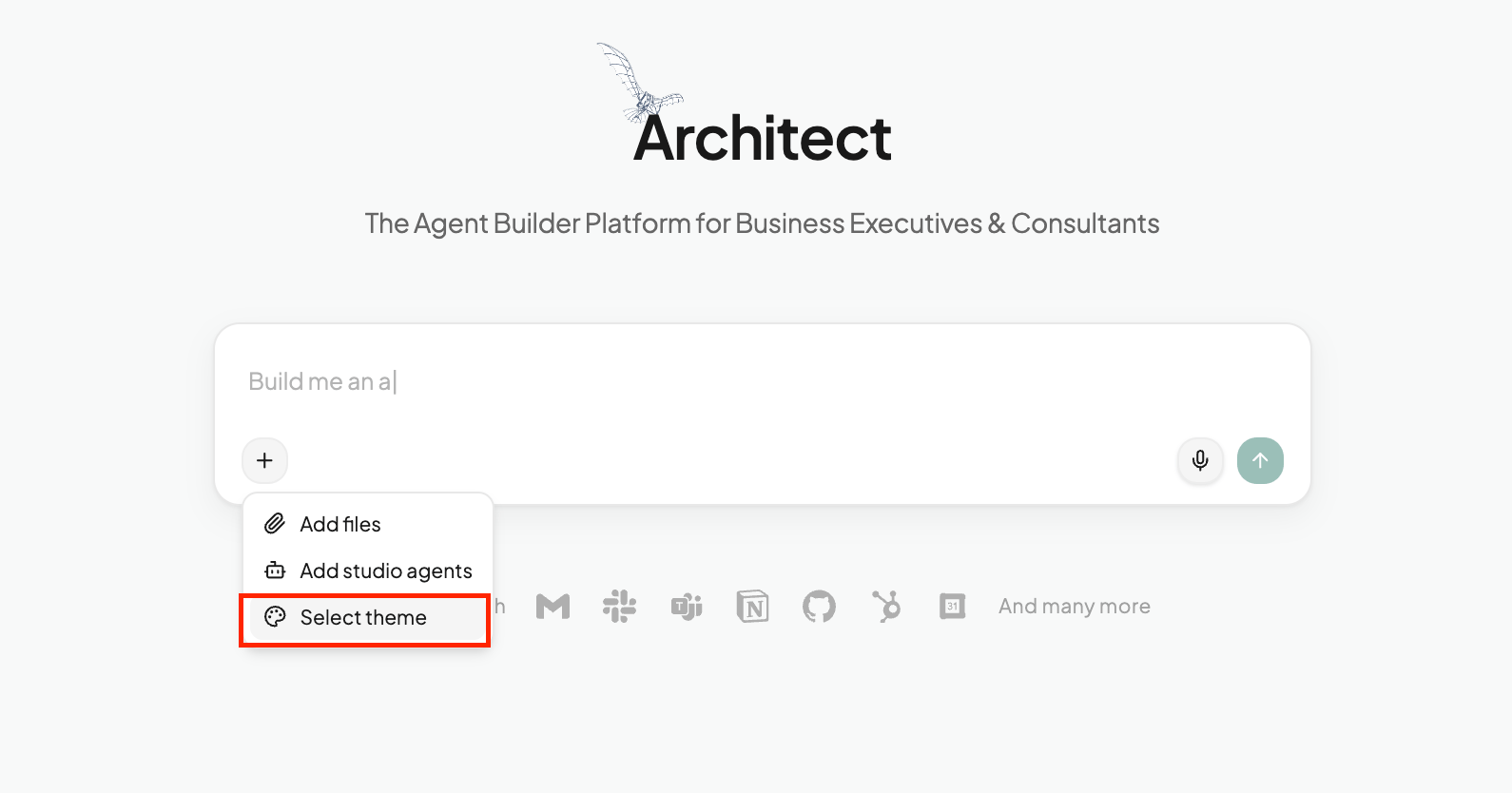
Select a theme from the **+** menu before you build, and Architect applies it consistently across the whole generated app.
## Visual Personality
Architect doesn't just generate code — it designs it. The **Theme Engine** injects a full design system (Tailwind config + fonts + component styling) into the code it writes, so every app comes out looking polished and on-brand rather than like a default template.
You have two ways to set the look:
* **Pick a preset** — choose from 45+ ready-made themes covering everything from clean and minimal to bold and editorial.
* **Bring your own** — turn your company's design guidelines into a reusable theme by importing them from Figma, a PDF, a GitHub repo, or a zip. See [Bring Your Own Design System](/build/custom-theme).
Select a theme from the **+** menu before you build, and Architect applies it consistently across the whole generated app.
 ## Prompt Library
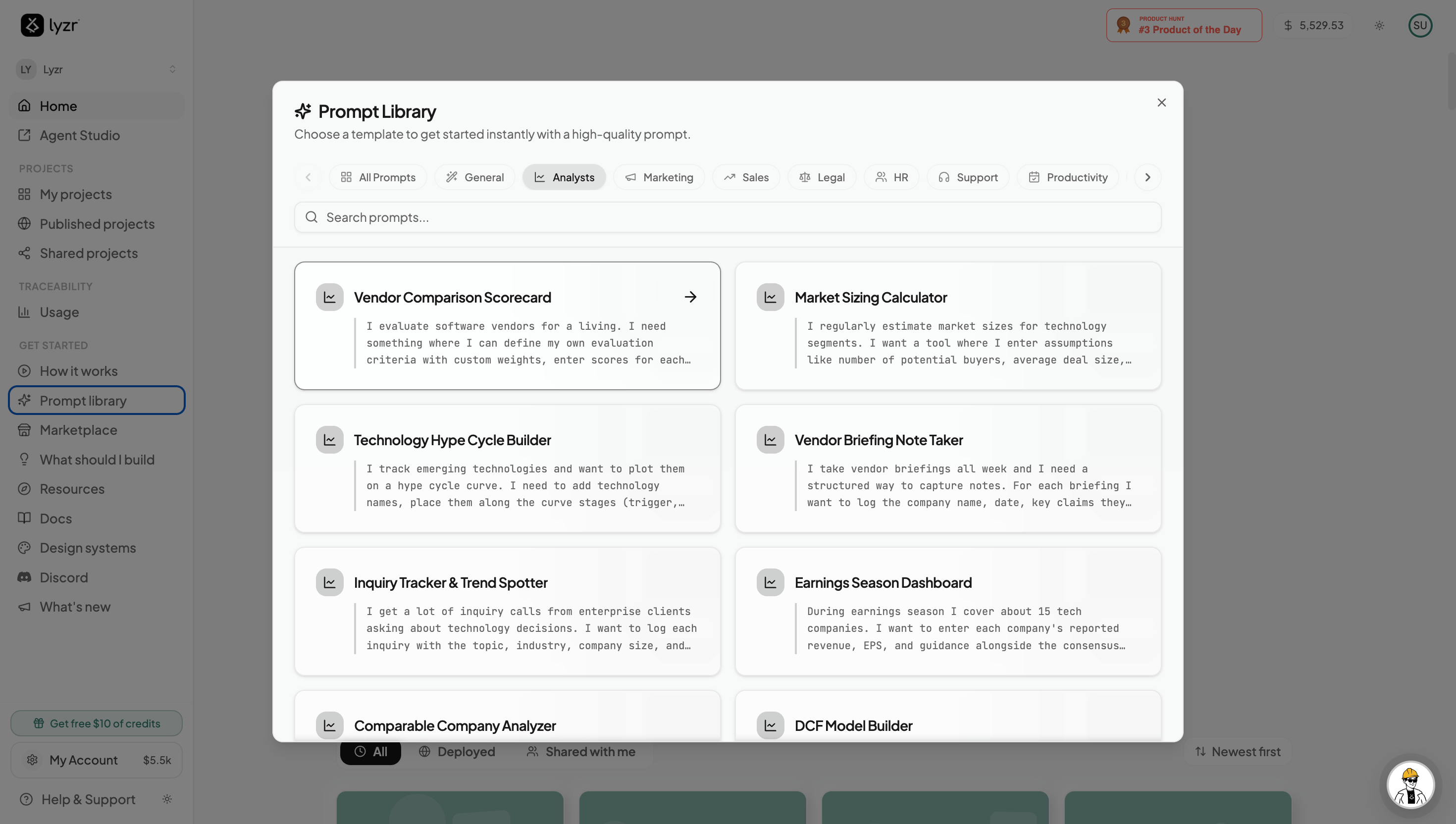
Struggling to articulate your requirements? Architect provides a context-aware **Prompt Library** in the homepage sidebar — a curated set of pre-engineered prompts known to produce high-quality agentic workflows. Browse by role or task, load one with a click, and edit it to fit your context. See [Prompt Library](/build/prompt-library) for more.
## Prompt Library
Struggling to articulate your requirements? Architect provides a context-aware **Prompt Library** in the homepage sidebar — a curated set of pre-engineered prompts known to produce high-quality agentic workflows. Browse by role or task, load one with a click, and edit it to fit your context. See [Prompt Library](/build/prompt-library) for more.
 ## Add Studio Agents
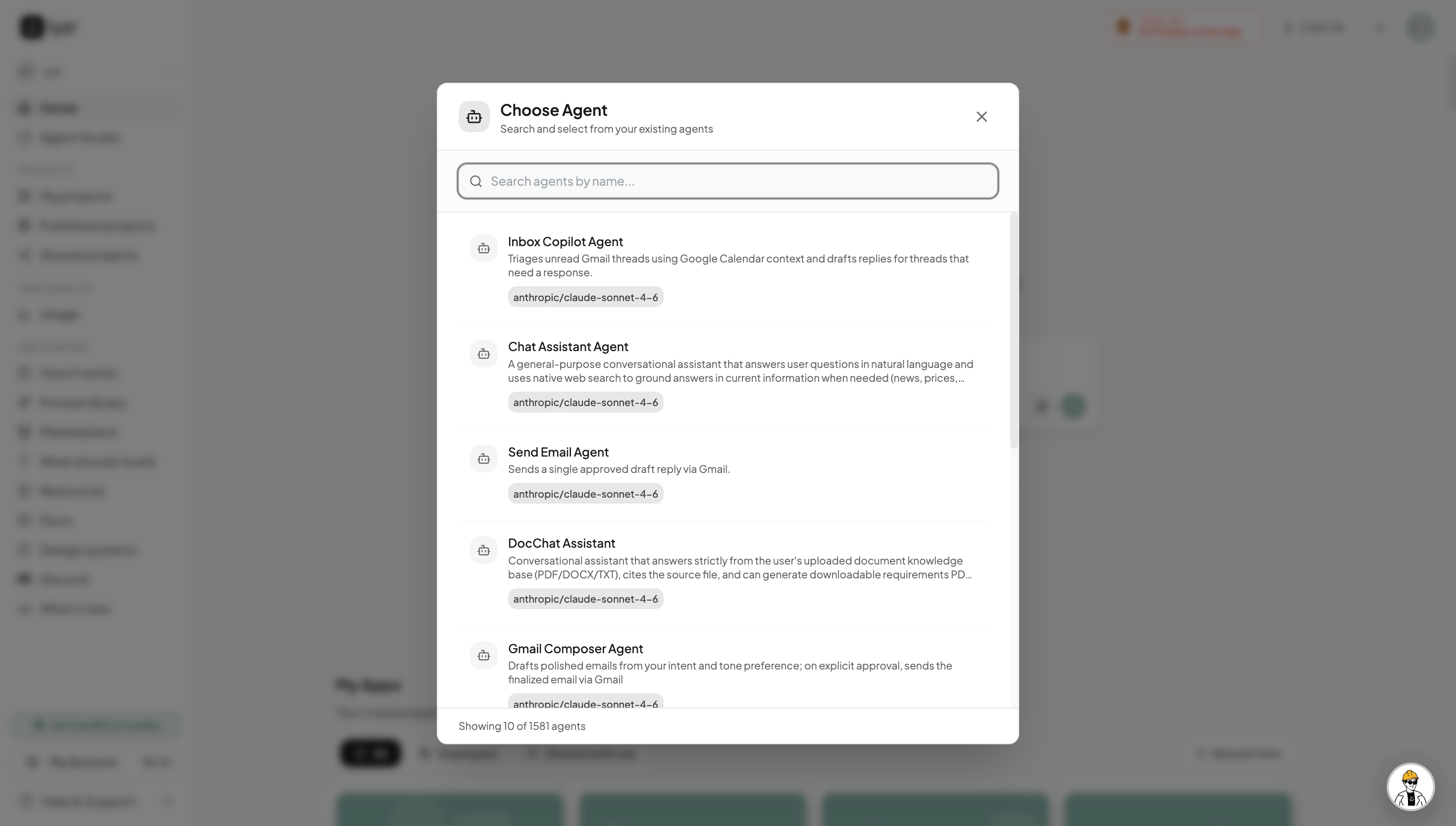
Already have agents built in Lyzr Studio? You don't need to rebuild them. Architect lets you import any existing Studio agent directly into your app, so you can compose new experiences on top of work you've already done — your custom prompts, tools, and knowledge bases all carry over as-is.
## Add Studio Agents
Already have agents built in Lyzr Studio? You don't need to rebuild them. Architect lets you import any existing Studio agent directly into your app, so you can compose new experiences on top of work you've already done — your custom prompts, tools, and knowledge bases all carry over as-is.
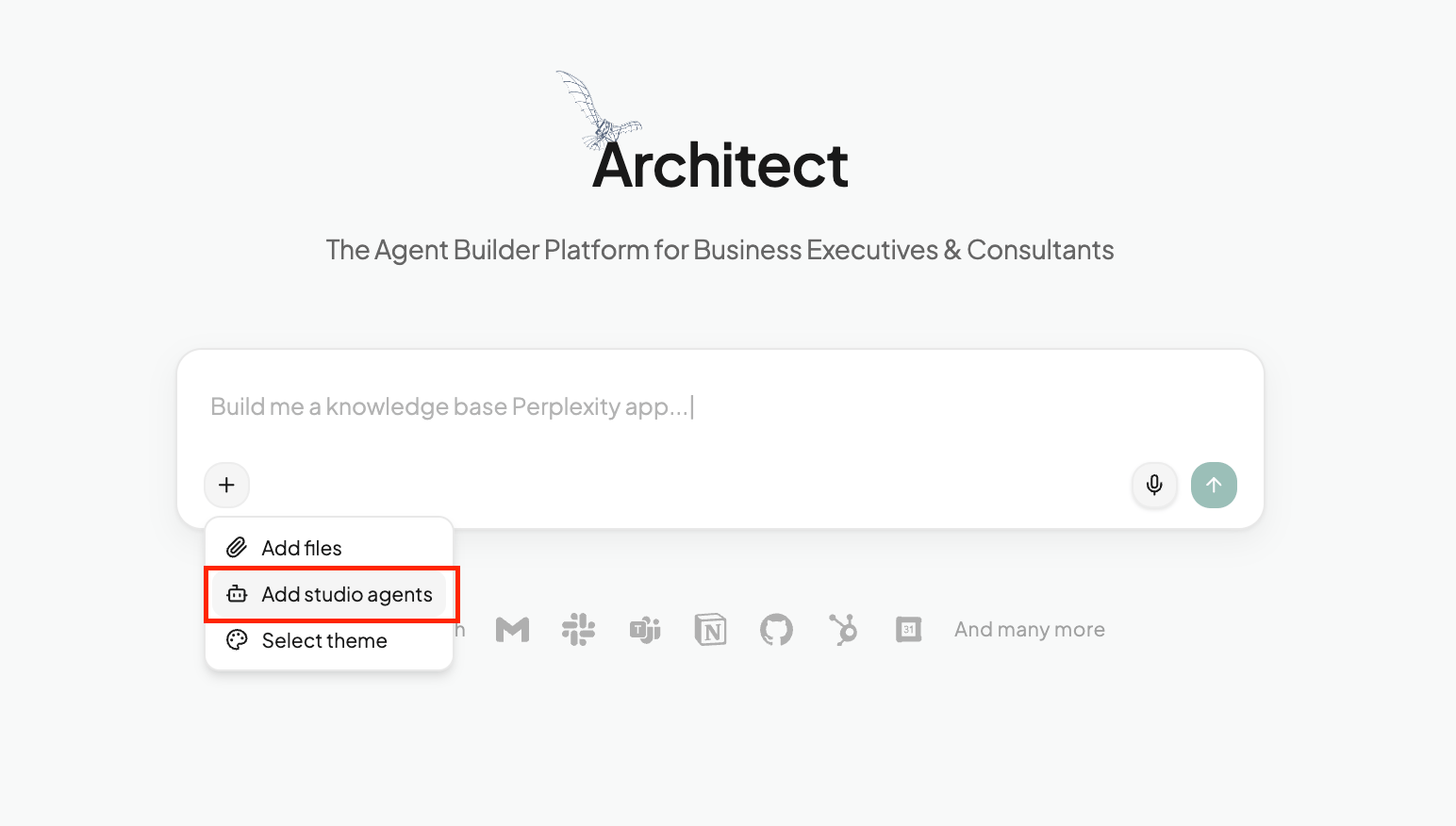 From the **+** menu on the homepage, select **Add studio agents** to browse and pick from your existing agents. Architect wires the selected agent into the app it generates, intelligence intact.