

New
Re-deploy when you’re ready. Once your app is deployed, Architect no longer re-deploys automatically on every iteration. Finish your changes, check the live preview, and press Re-deploy when you’re happy with what you see — so only the work you’ve signed off on goes live. → Deployment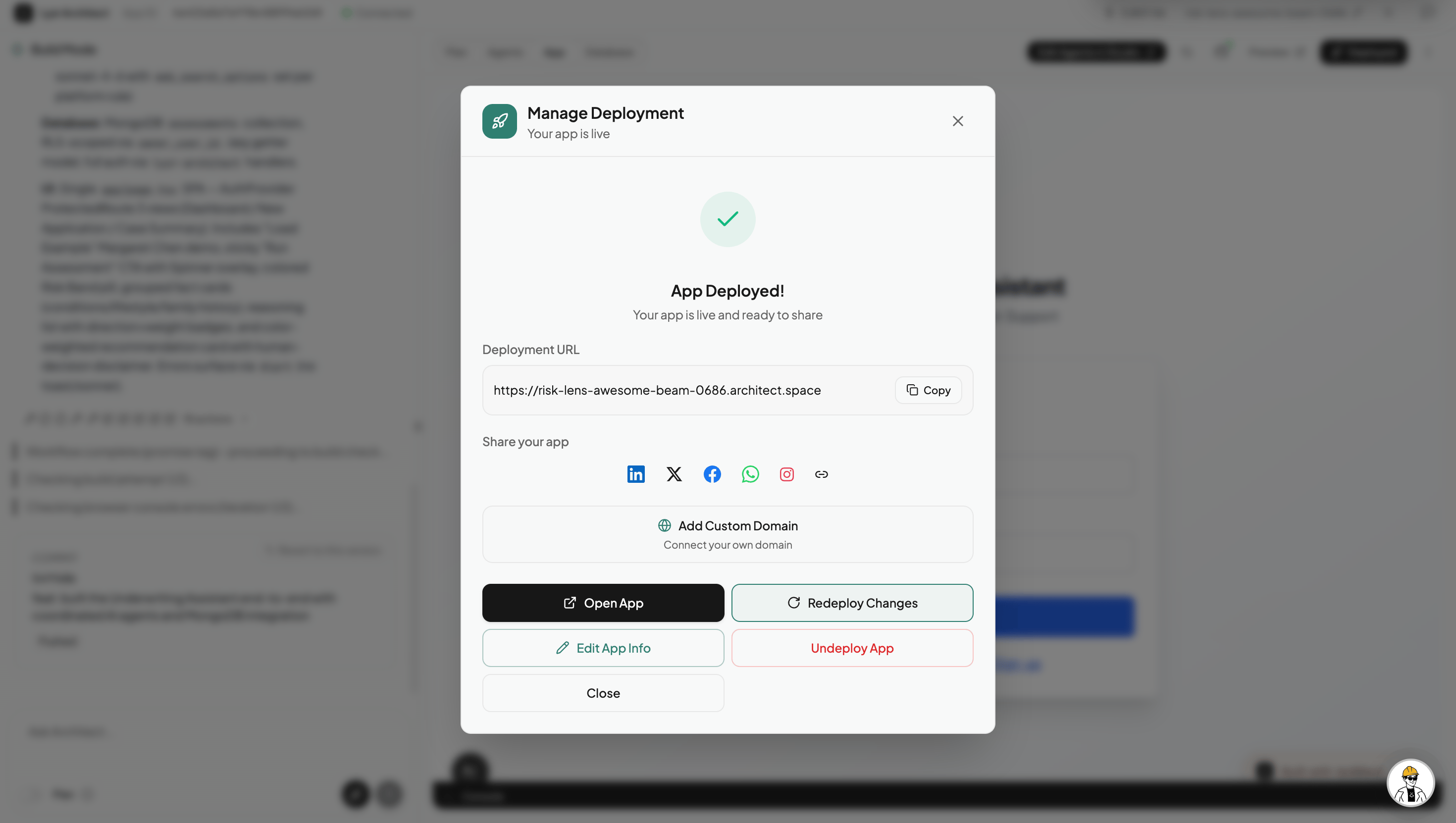
Improvements
Architect now sees your manual Studio edits. If you’ve adjusted agent instructions directly in Lyzr Studio and then continue iterating in Architect, Architect picks up those changes automatically. On top of that, instead of overwriting your entire agent instructions, it now patches only the specific parts it actually needs to change — so your manual customisations survive the next build iteration.Fixes
- App thumbnails now stay current. Screenshots shown in the My Apps section now update whenever you iterate on an app, so you always see the latest version of your app — not the first one.
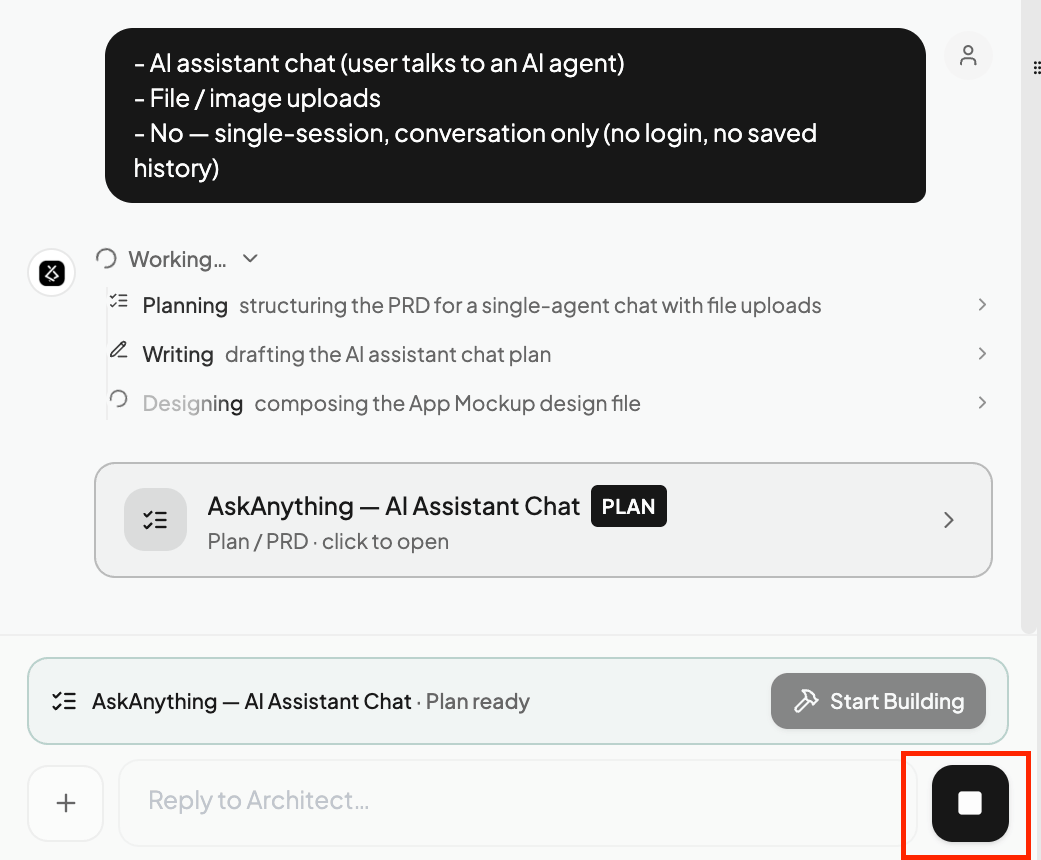
- Chat reliability overhaul. Resolved a set of issues that caused chats to get stuck, show duplicate messages, disappear, or behave erratically while scrolling. Chat should now be solid end to end.
- Large file + image uploads no longer break the session. Fixed a 32 MB payload limit that was hit when uploading many files or images in the Architect chat, causing the session to fail.