

Making Your App Live
Once you have validated your application in the ‘Live App’ preview and are satisfied with the UI and agent performance, it is time to deploy. Architect handles the hosting and server management automatically. Click the Deploy button in the top right corner of the builder to open the deployment configuration.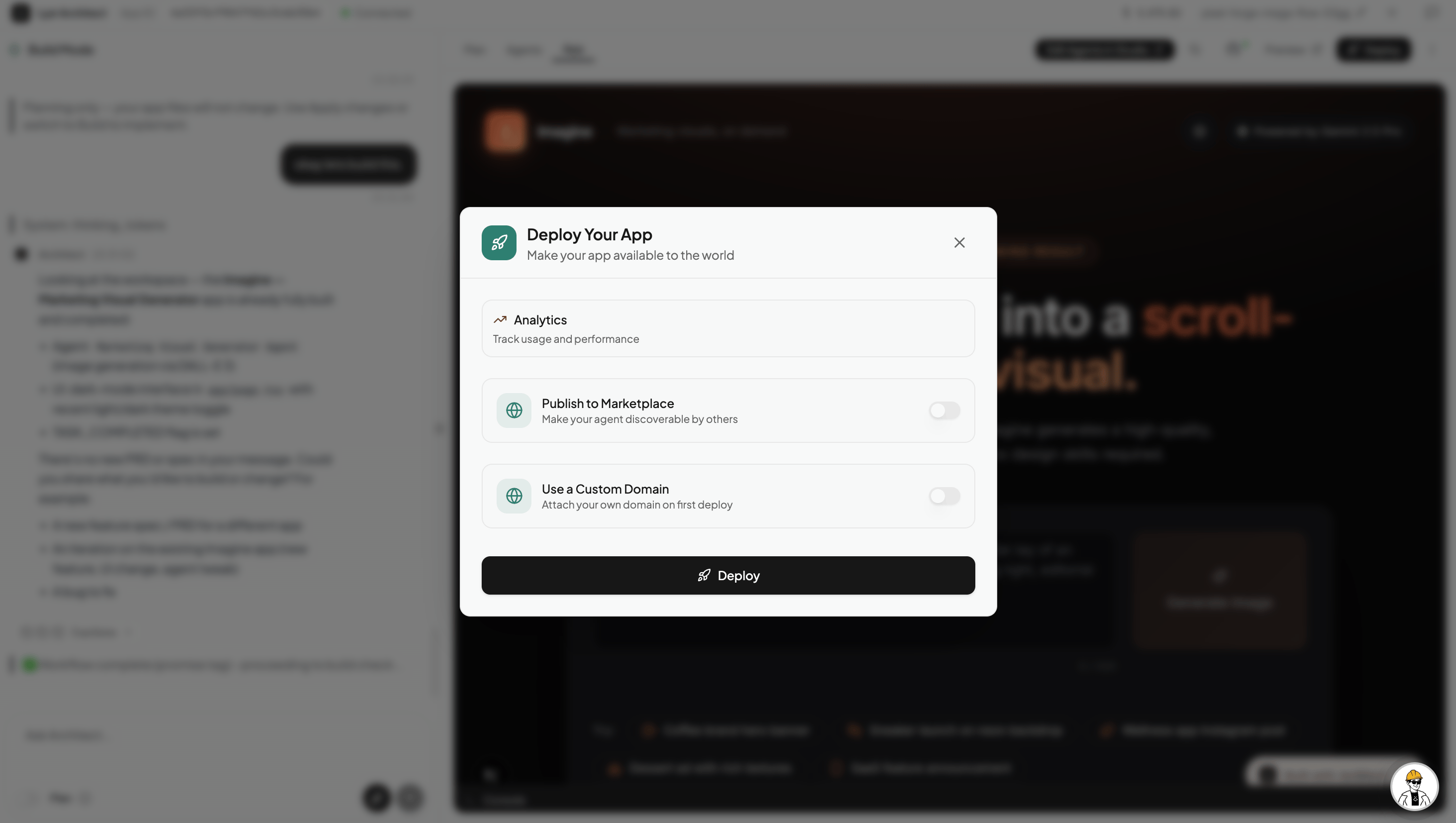
Deployment Configuration
Before pushing your app live, you can configure how it behaves and how it is discovered.1. Custom Domains
By default, Architect provides a fast, secure sub-domain for your application. However, if you are building a customer-facing SaaS or a branded internal tool, you can connect your own custom domain (e.g.,tools.yourcompany.com) directly through this menu.
2. Analytics Tracking
Enable built-in analytics to track your application’s usage and performance. This allows you to monitor how many users are interacting with your app and how often your AI agents are being triggered.3. Publish to Marketplace
If you have built something incredible and want to share it with the community, toggle on “Publish to Marketplace”. This will list your app in the Marketplace directory. To publish, you will need to provide:- Category: Select the primary industry or function (e.g., ‘Productivity’, ‘Finance’, ‘Marketing’).
- Description: A detailed explanation of what your agent does and how users can benefit from it.
- Short Description: A brief, 160-character summary that appears on your app’s card in the marketplace grid.
- Tags: Add up to 8 keywords (e.g.,
SEO,Lead-Gen,Dashboard) to make your app highly searchable.