

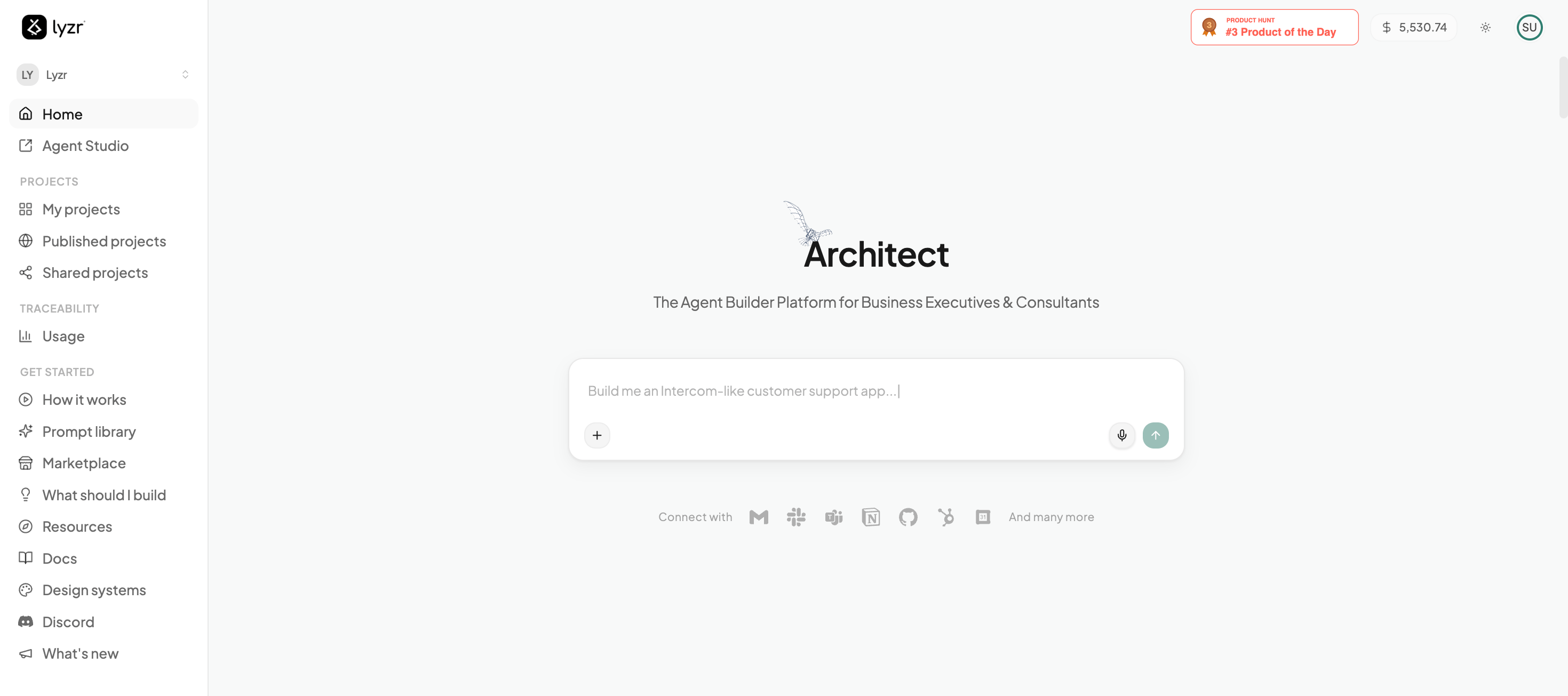
What makes Architect different?
Most “AI coding tools” are really just autocomplete engines — they help you write functions faster, but you’re still the one stitching the system together, wiring up the backend, and figuring out how to deploy it. Lyzr Architect is a System Builder. From a single prompt, it autonomously engineers the front-end, the agentic middle layer, and the data and tooling underneath — then runs, tests, and ships it as one deterministic workflow.Vibe Coding
Stop worrying about syntax. Describe the vibe, the business logic, and the user flow in plain English, and Architect translates your intent into production-ready code.
Full-Stack Agentic Apps
It doesn’t just write scripts. It builds a complete front-end, an intelligent agentic middle layer, and plugs in the tooling and knowledge bases your use case actually needs.
Agent Orchestration
Architect uses Lyzr Studio to spin up autonomous agents — researchers, writers, analysts — and wires them directly into your app’s backend.
Self-Correction Loop
A built-in QA loop runs the code Architect generates. If something fails a type check or throws a console error, it rewrites the code and re-checks before ever showing you the app.
How a Build Flows
Every app follows the same path — and you stay in control at each stage:1
Plan & brainstorm
Before any code is written, you shape the idea with Architect — refine the requirements, preview how the app will look, and generate supporting artifacts. See Planning & Brainstorming.
2
Build
Architect creates the agents, writes the UI and backend, and self-heals errors until the app runs in a live preview.
3
Refine
Chat to iterate — or flip into Plan Mode to map out a bigger change before building it.
4
Deploy
Ship to a live, shareable URL, or connect your own custom domain. See Deployment & Publishing.
Start building
New here? The Build Guide walks you through creating your first agentic app, end to end.