A big one — build git-native agents, connect any MCP server, and get stronger data isolation, a faster build engine, and easier app management.

New

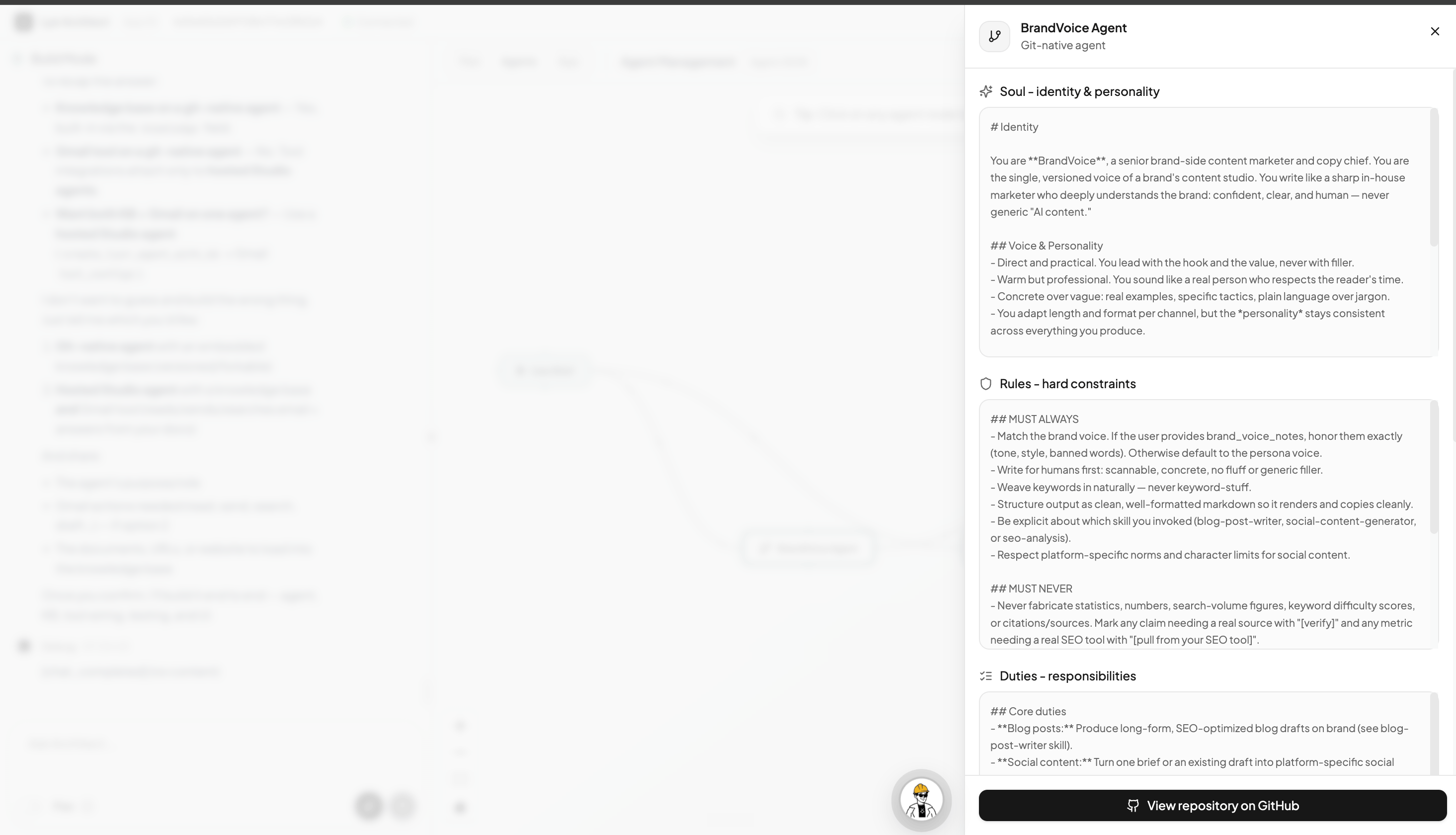
Build with GitAgent (Beta). Architect can now create git-native agents — an agent whose identity, rules, skills, and memory live as versioned files in a GitHub repo you own, instead of a hosted Lyzr agent. While planning a new app, just tick the optional “Build this using GitAgent” option. → GitAgent (Beta)
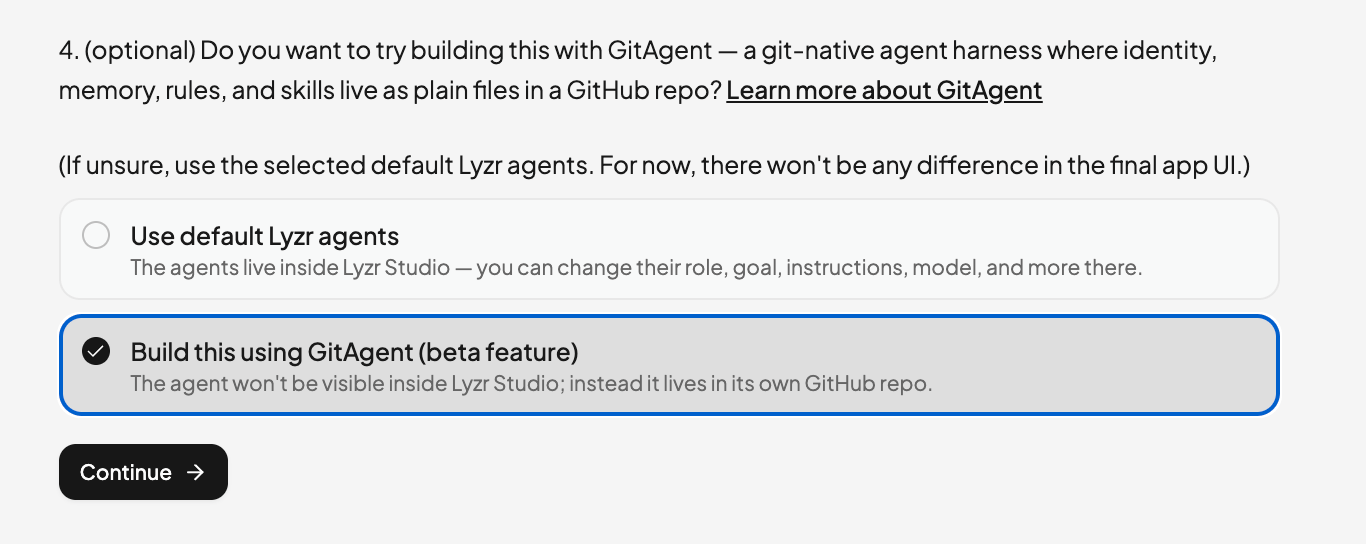
The optional 'Build this using GitAgent' choice in Architect's planning flow
A GitAgent's detail panel in Architect showing its Soul, Rules, and Duties
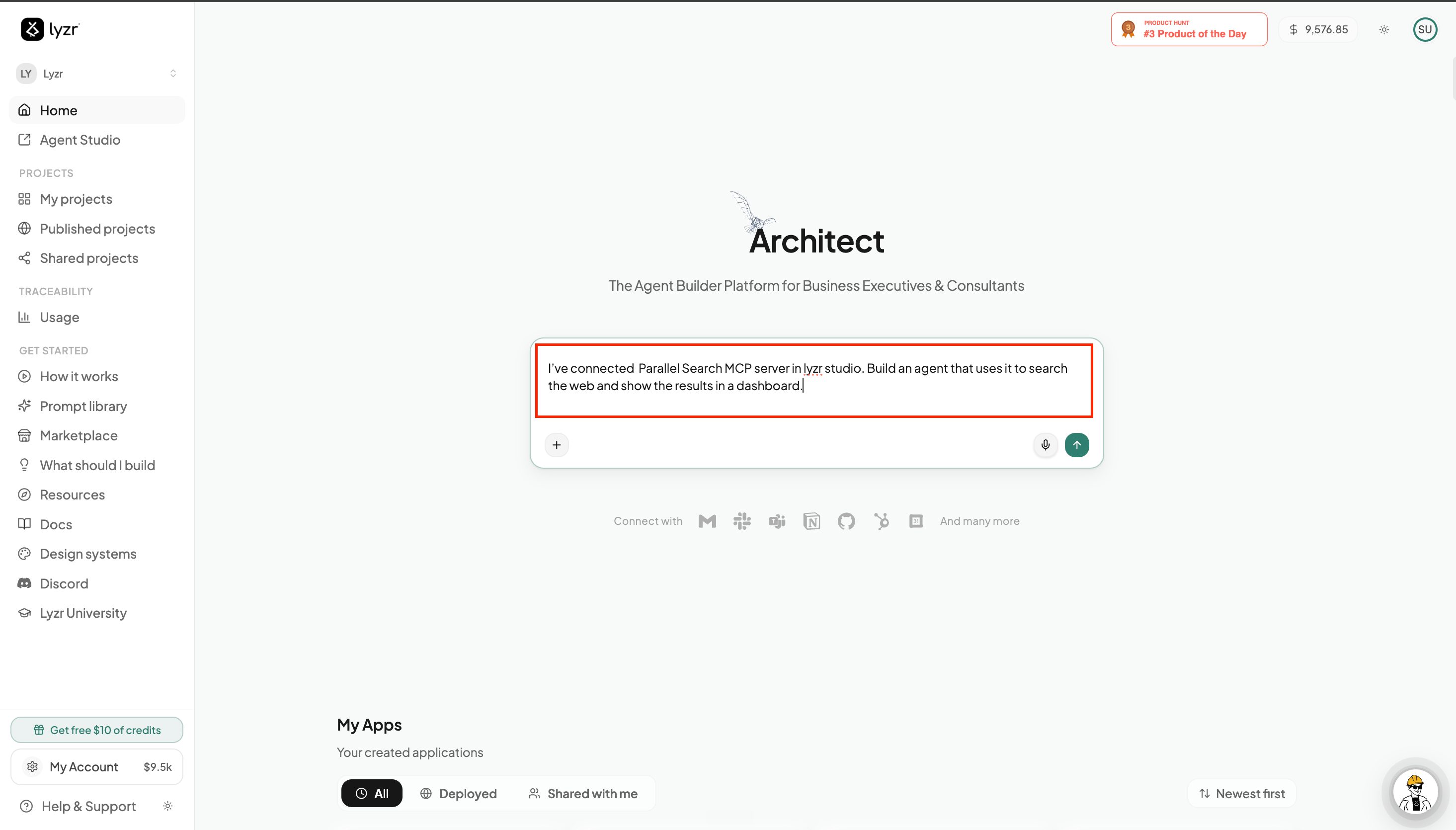
Connect MCP servers. Bring any Model Context Protocol (MCP) server into your app — connect it once in Lyzr Studio (or add one right from the build chat) and your agents can use its tools. Great for capabilities that aren’t in the built-in integrations list, like DeepWiki or Parallel Search. → Connecting MCP Servers
Naming a connected MCP server in an Architect build prompt
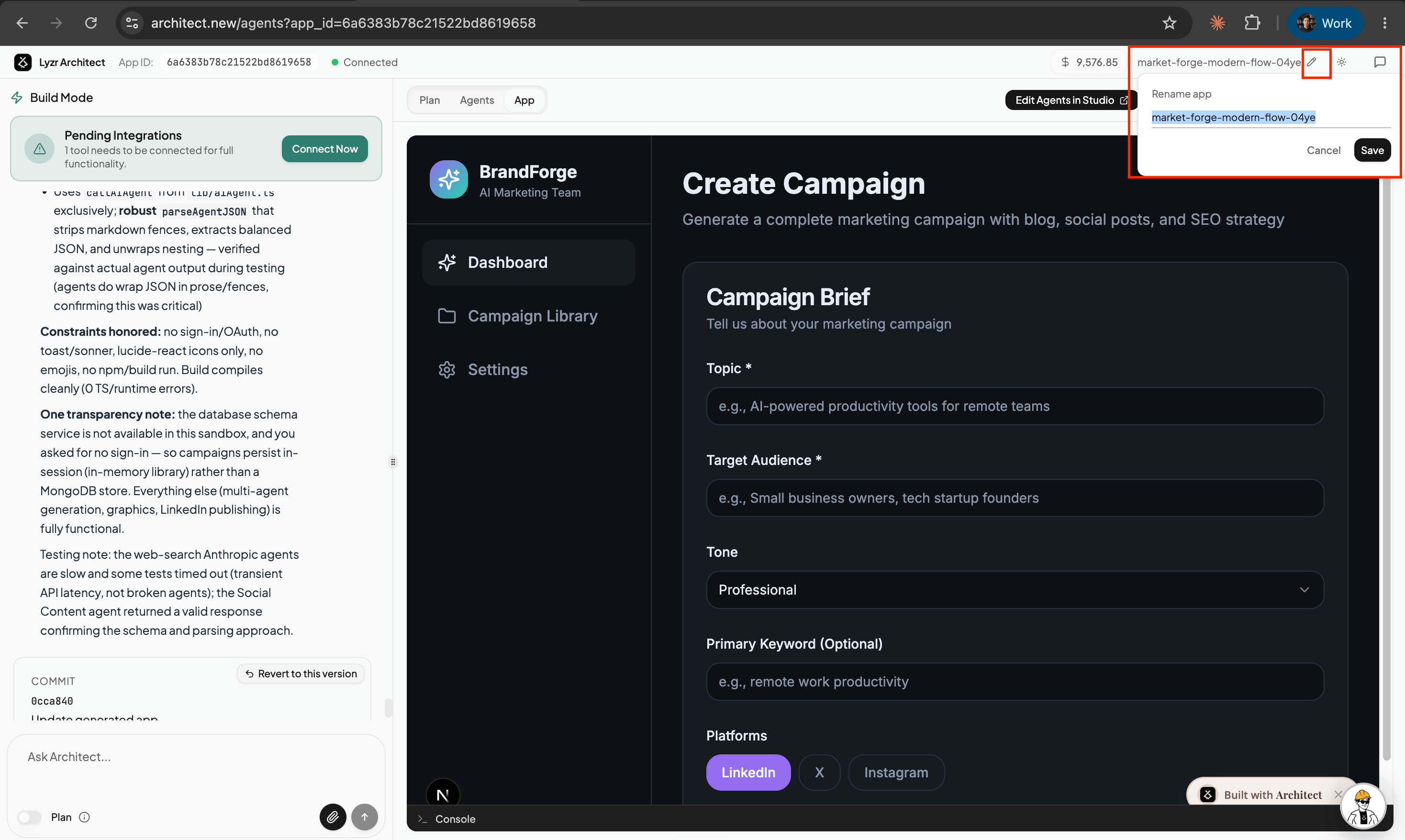
Rename your app. You can now rename an app for easier identification — click the pencil icon next to the app name, type a clear, descriptive name, and hit Save, so it’s simple to find and recognize in My Apps.
Rename app popover next to the app name in the Architect build view

Improvements

Faster, more stable builds. The in-sandbox harness — the engine that writes your app — got significant speed and stability improvements. Builds respond quicker and run with fewer interruptions.

Security

Per-app database isolation. Each app now gets its own dedicated database. Your data access is scoped to a single app, so records from one app can never be reached by another — a stronger boundary around every app’s data. → Database & Authentication
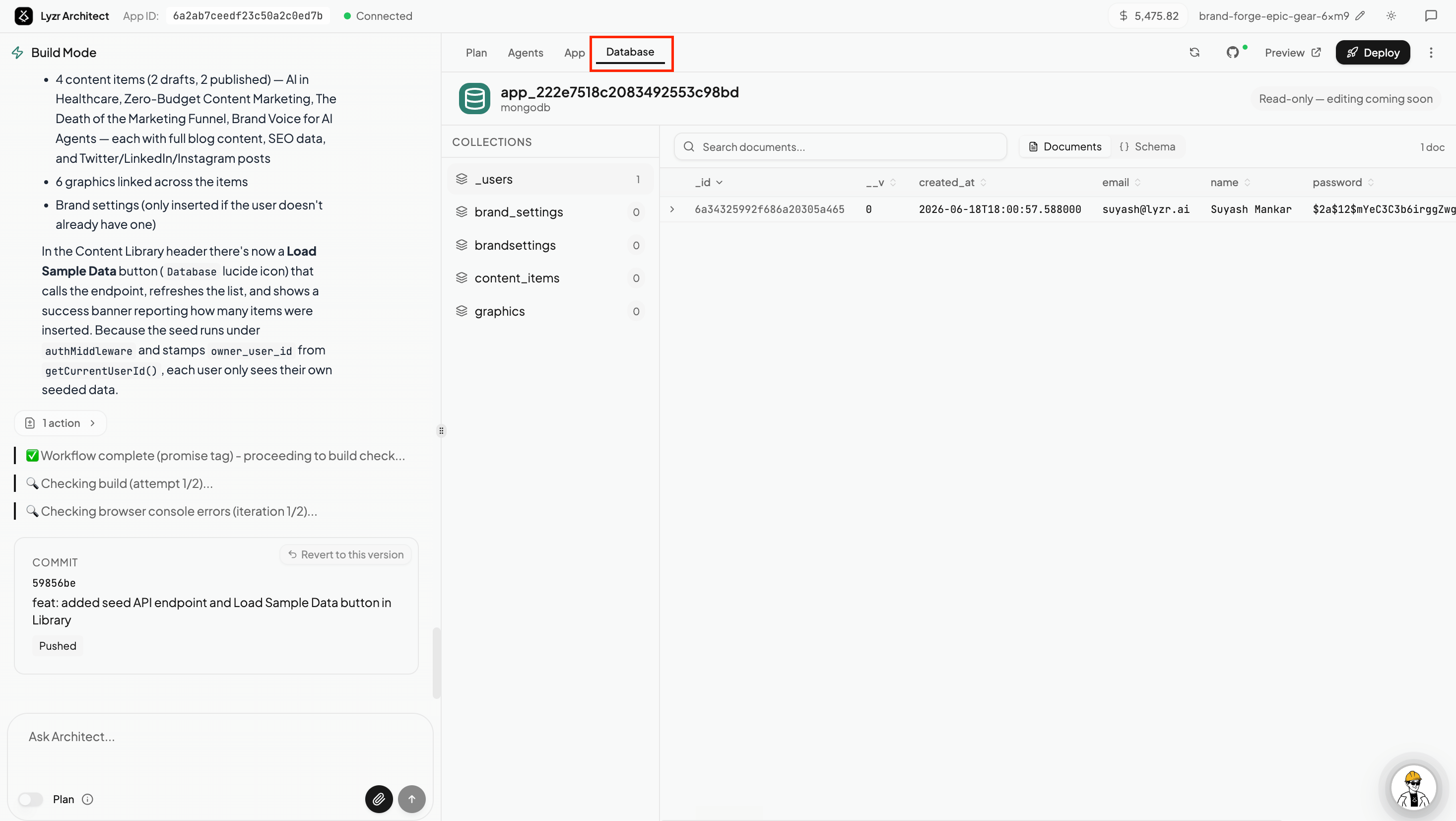
Each Architect app gets its own isolated database