

New
A completely redesigned Architect. We’ve rebuilt the entire interface from the ground up. It’s cleaner, easier to navigate, and a lot nicer to look at — the same Architect, with a sharper, more modern feel throughout. See How It Works. Brainstorming & planning mode. Before Architect writes a single line of code, you can now think the app through with it. Brainstorm the idea, shape the plan, and preview how the finished app will look with an interactive app mockup — all before anything is built. Planning mode can also produce a PRD, a PDF or slide deck, workflow diagrams, reusable skills, and starter files, then hand all of it to the build so your app starts with real context. → Planning & Brainstorming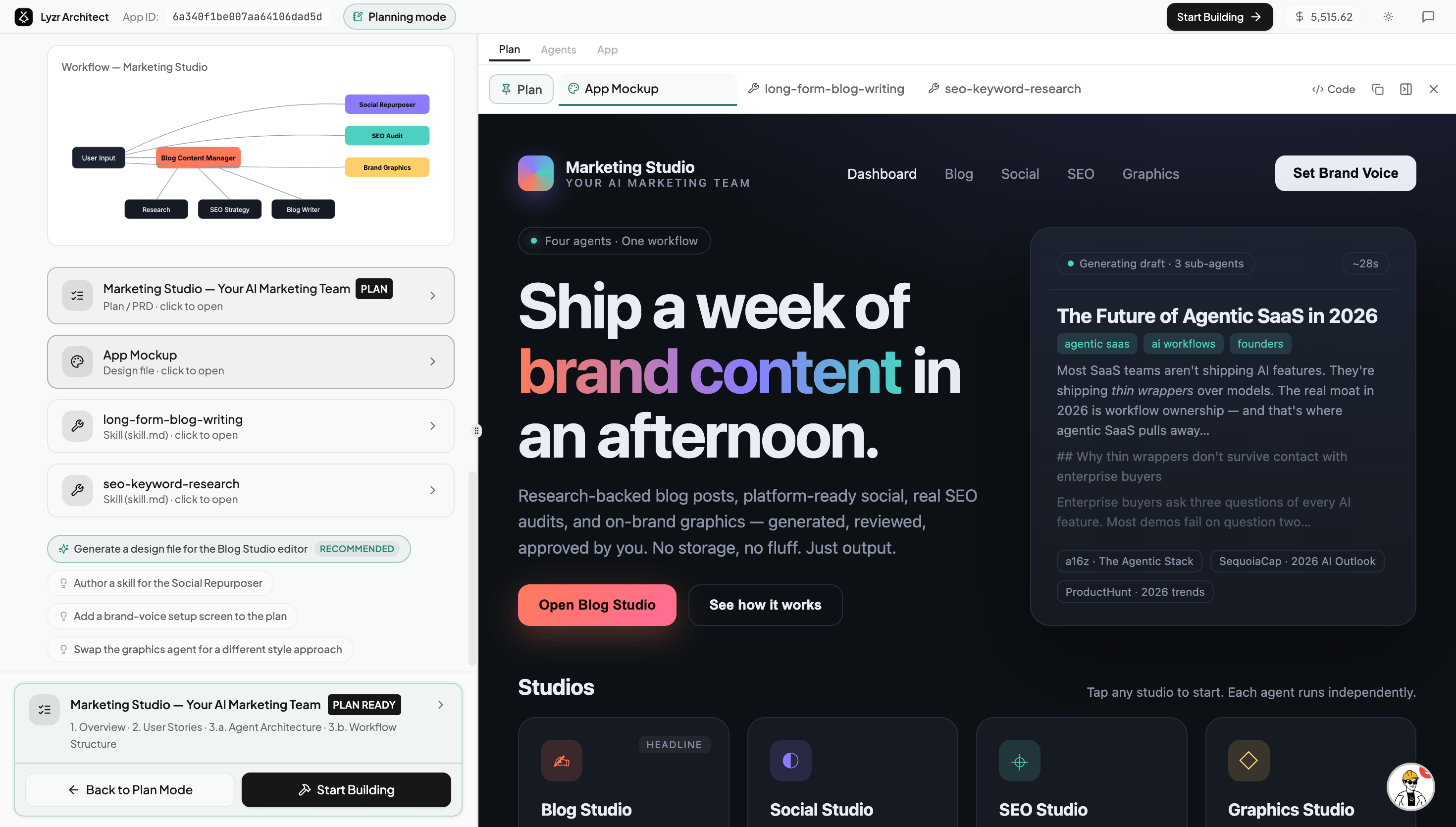
Improvements
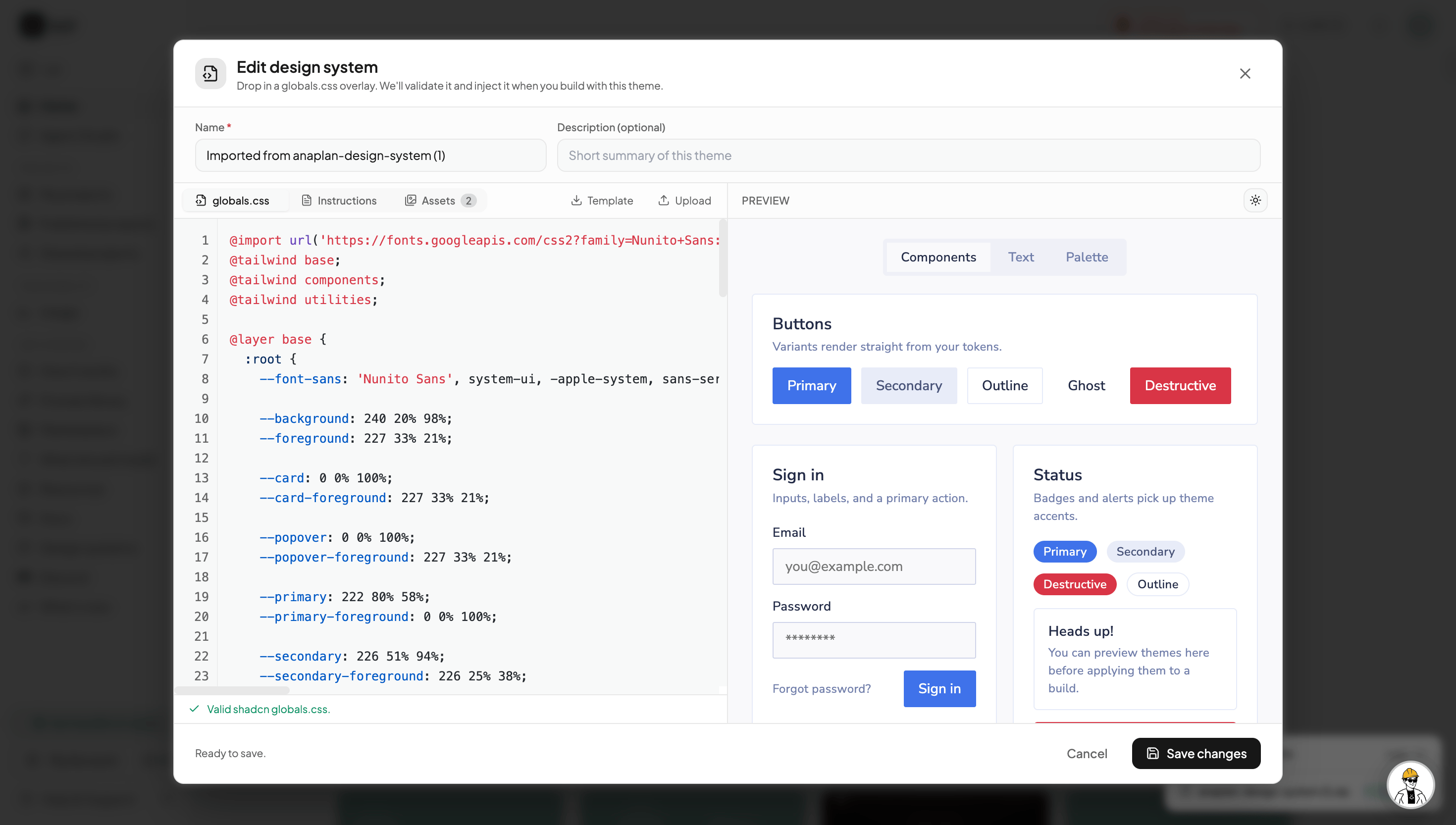
- Polished, modern app design. The apps Architect builds now ship with a more refined default design — improved layouts, spacing, and visual hierarchy out of the box, with no extra effort from you.
- Smarter GitHub sync and steadier deploys. Connect your app to a GitHub repo and move fluidly across both. Make changes locally and Architect can pull the latest code and pick up where you left off — even recovering from local slip-ups like broken dependencies, a changed port, or build errors, then showing the working app back in preview. Deployments are more stable, too. → Connecting Your GitHub · Deployment
- Seamless tool connections. Connecting tools through Studio is now smooth and reliable. We reworked the connection flow to remove the errors that could happen while linking a tool to your app. → Integrations
Fixes
- A more stable preview sandbox. We fixed the issues behind preview errors, so your app’s live preview stays stable while you build. (Sandboxes still pause after a period of inactivity — but without the preview errors you used to see.)