

Why Connect GitHub?
Architect isn’t a walled garden. If you connect your GitHub account, the full source code of any app you build can be pushed into a repository you own — so you can clone it, run it locally, collaborate with your team, or deploy it wherever you want.How to Connect
Inside any app you’ve built, click the GitHub icon in the top-right corner of the app view, then authenticate with your GitHub account.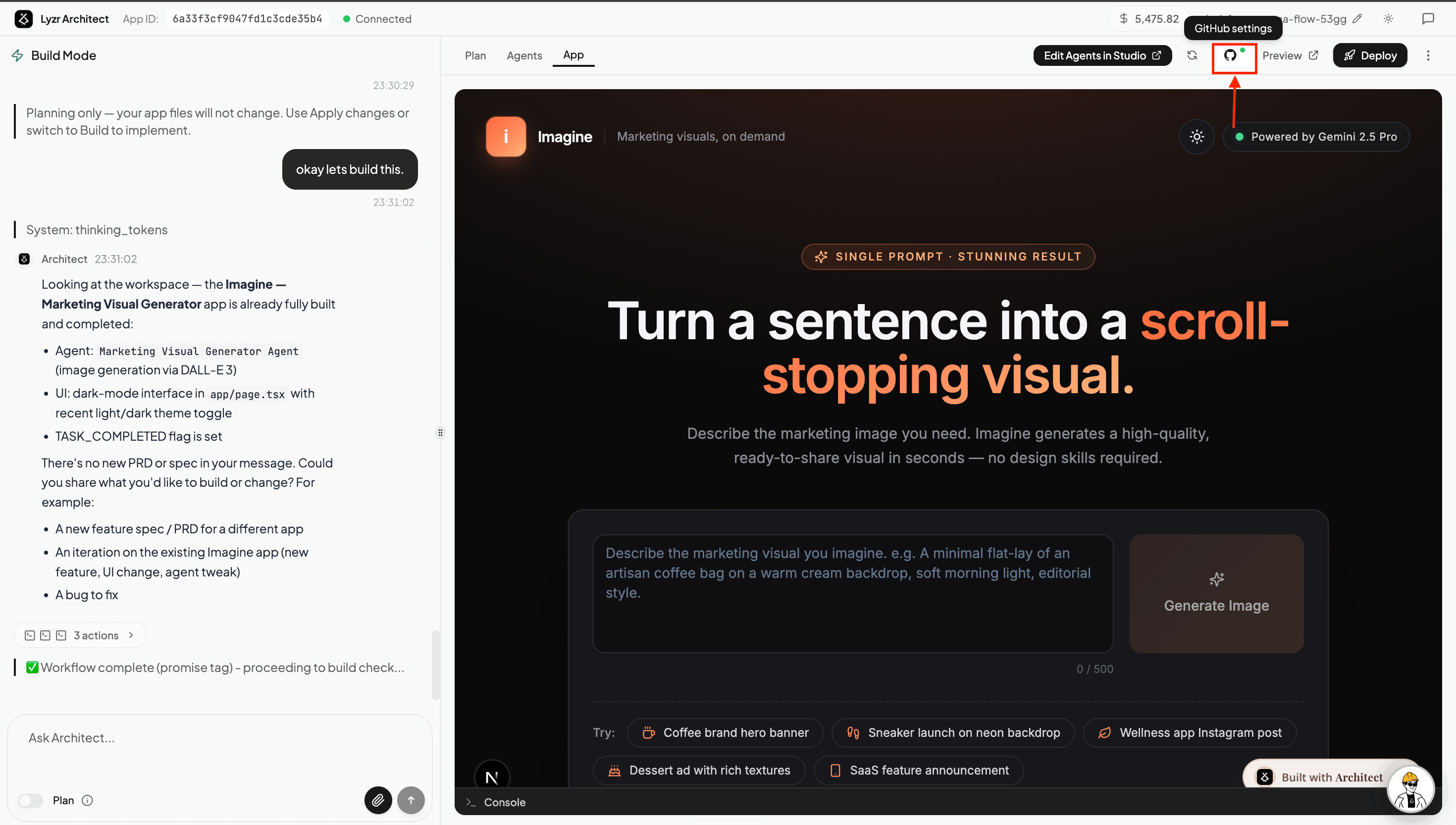
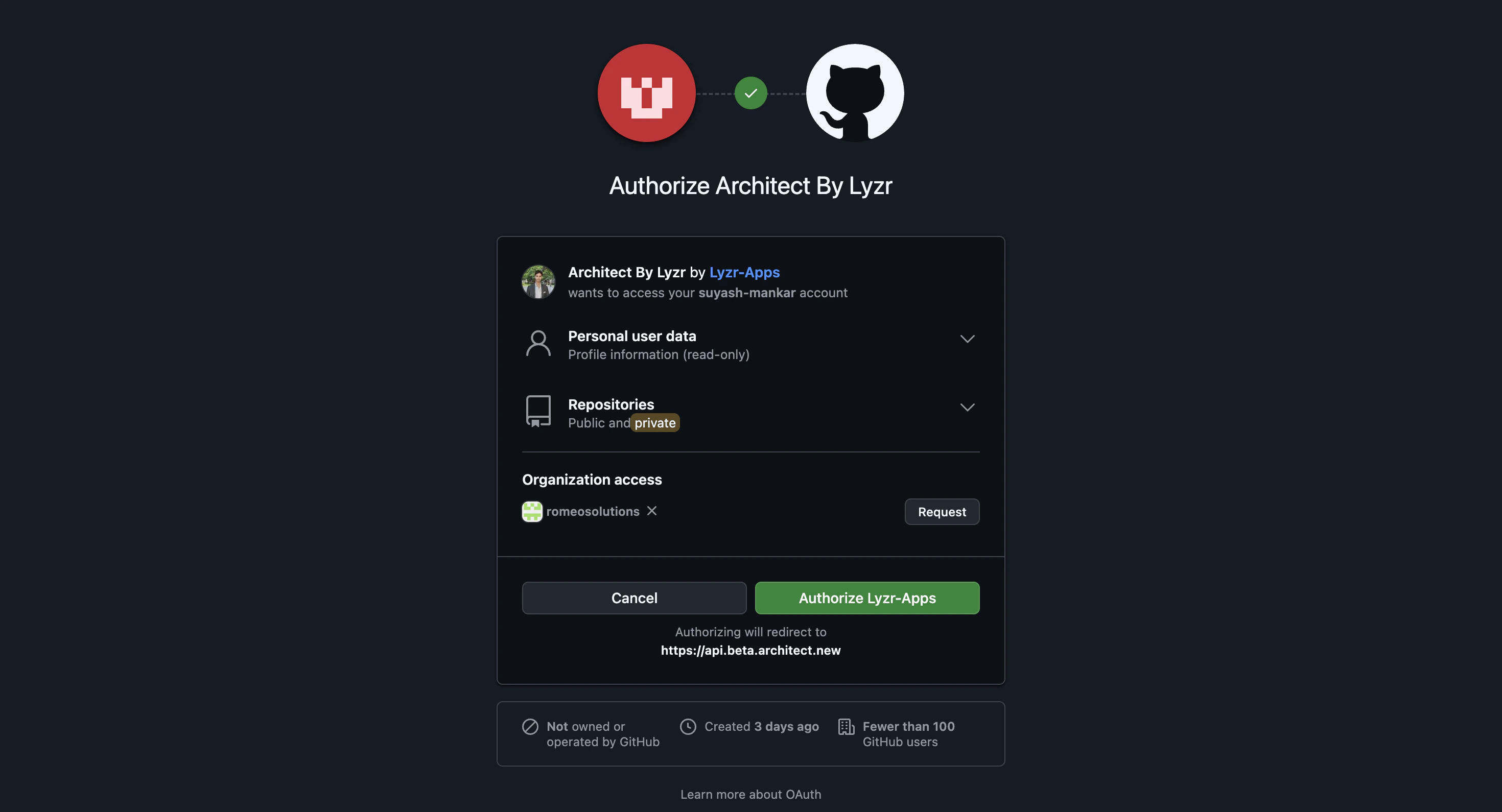
Automatic Commits on Every Change
After GitHub is connected, you don’t need to manually sync anything. Every change you make in Architect — whether it’s refining an agent, tweaking the UI, or updating a prompt — is automatically pushed to your repository as a new commit.This means your GitHub repo always mirrors the latest state of your app in Architect, giving you a full version history out of the box.
Pull, Push & Branch Switching
Once your app is connected to GitHub, you get manual Pull and Push controls alongside the auto-commit flow — so you can explicitly sync code in either direction whenever you need to.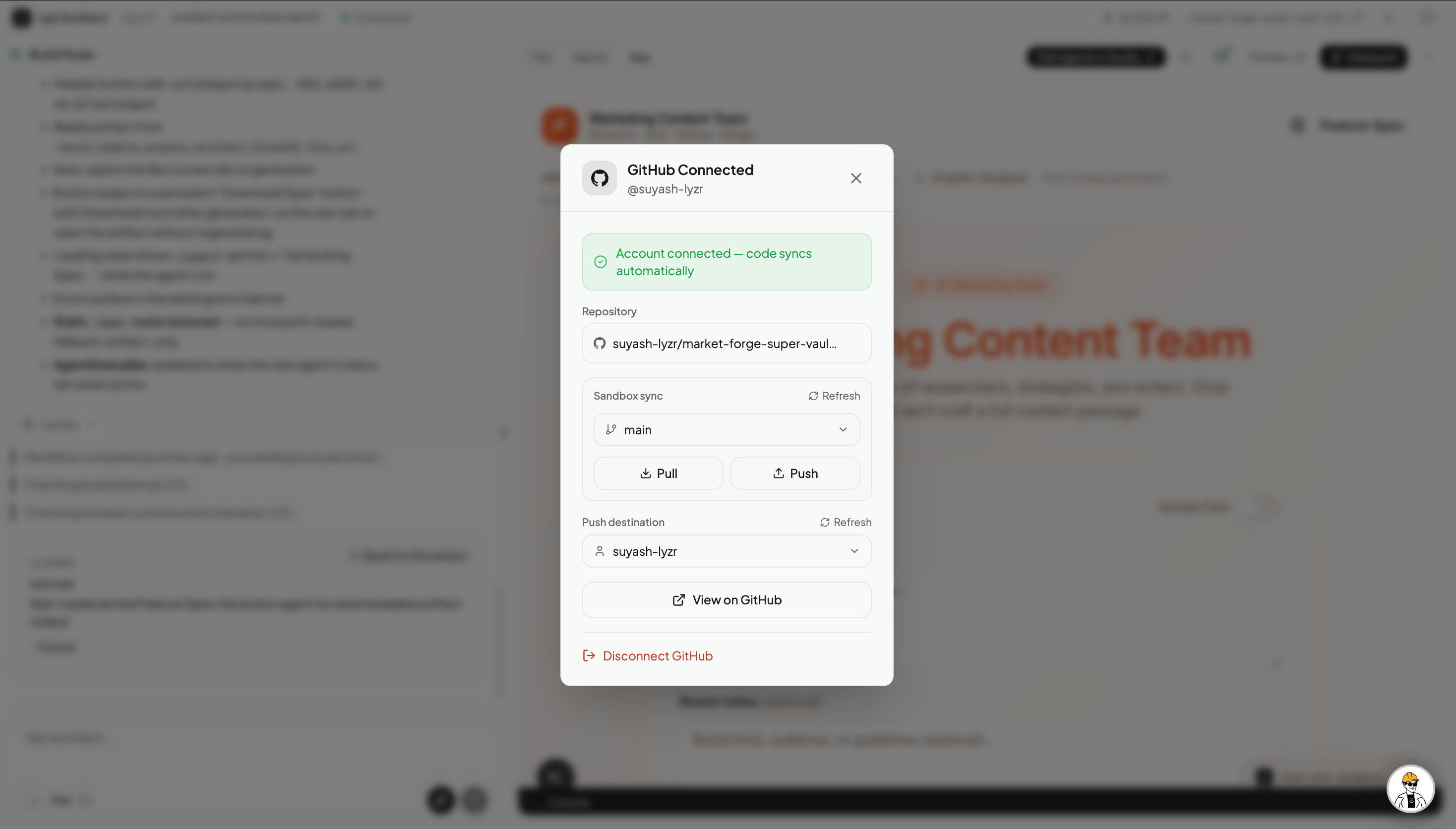
- Create the branch locally in your repo and push it to GitHub.
- Open the GitHub panel in Architect and select the branch from the branch switcher.
- Architect pulls the latest code from that branch into the sandbox and continues building from there.