

What Are Environment Variables?
Every app Architect builds runs in a sandboxed environment. If your app needs to connect to an external service — a third-party API, a custom database, a payment provider — you can add your own secrets and config values as environment variables. These are injected into your app’s sandbox and available viaprocess.env in the app code.
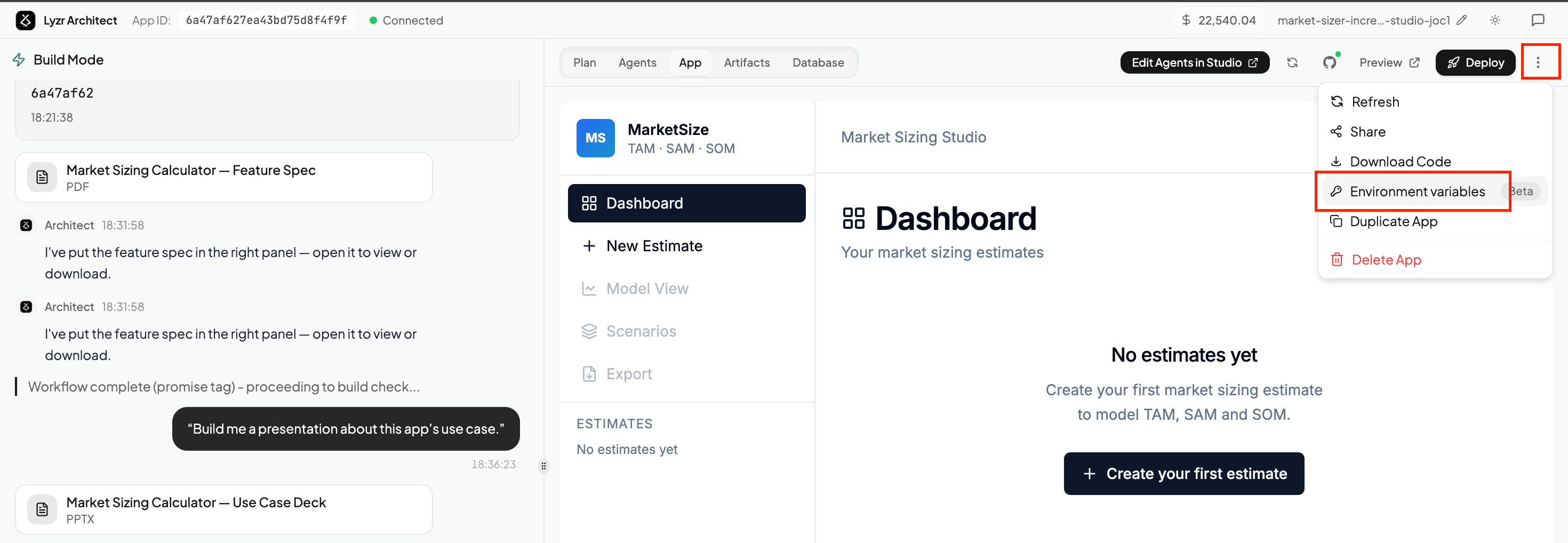
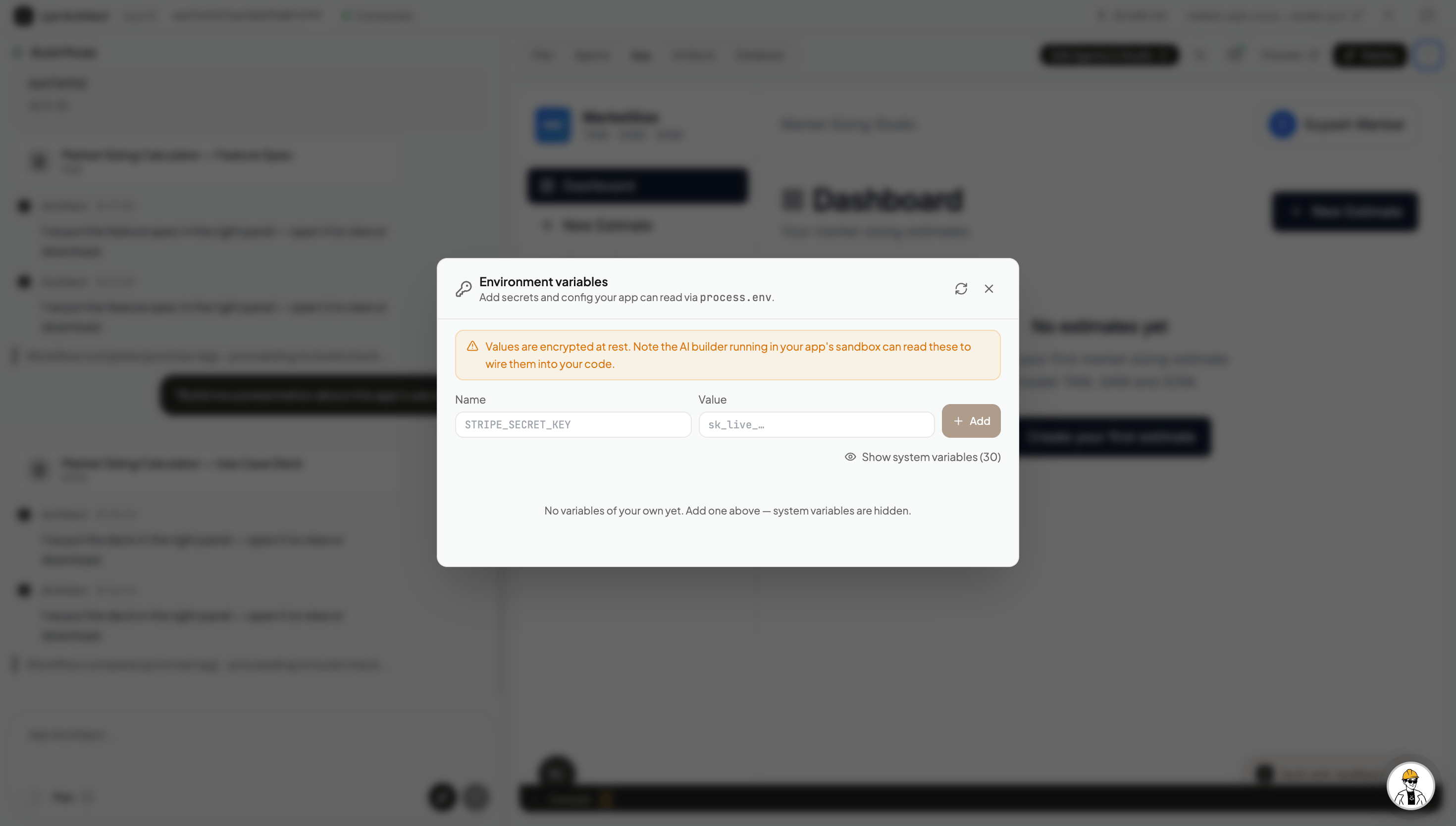
STRIPE_SECRET_KEY) and its Value, then hit Add. Values are encrypted at rest. The AI builder running in your app’s sandbox can read them to wire them into your code automatically.
Some Cases Where This Comes in Handy
Bring your own API key. If you want to use a specific provider — OpenAI, ElevenLabs for voice, SendGrid for email — add your API key here instead of relying on shared system keys. Your key, your quota, your billing. Voice & transcription. If you want to add voice input or audio transcription to your app using OpenAI Whisper, add yourOPENAI_API_KEY here and ask Architect to wire it up.
Connect an external database. If you have your own Postgres, Supabase, or any other database you want the app to read from or write to, add the connection string here (e.g. DATABASE_URL) and ask Architect to integrate it.
Third-party integrations. Any external service your app talks to — a CRM, a data provider, a custom internal API — can be connected this way. Add the key, then prompt Architect to use it.
After adding or updating environment variables, ask Architect to pick them up — for example: “I’ve added an
OPENAI_API_KEY — can you wire up voice transcription using Whisper?”